A street you can plot
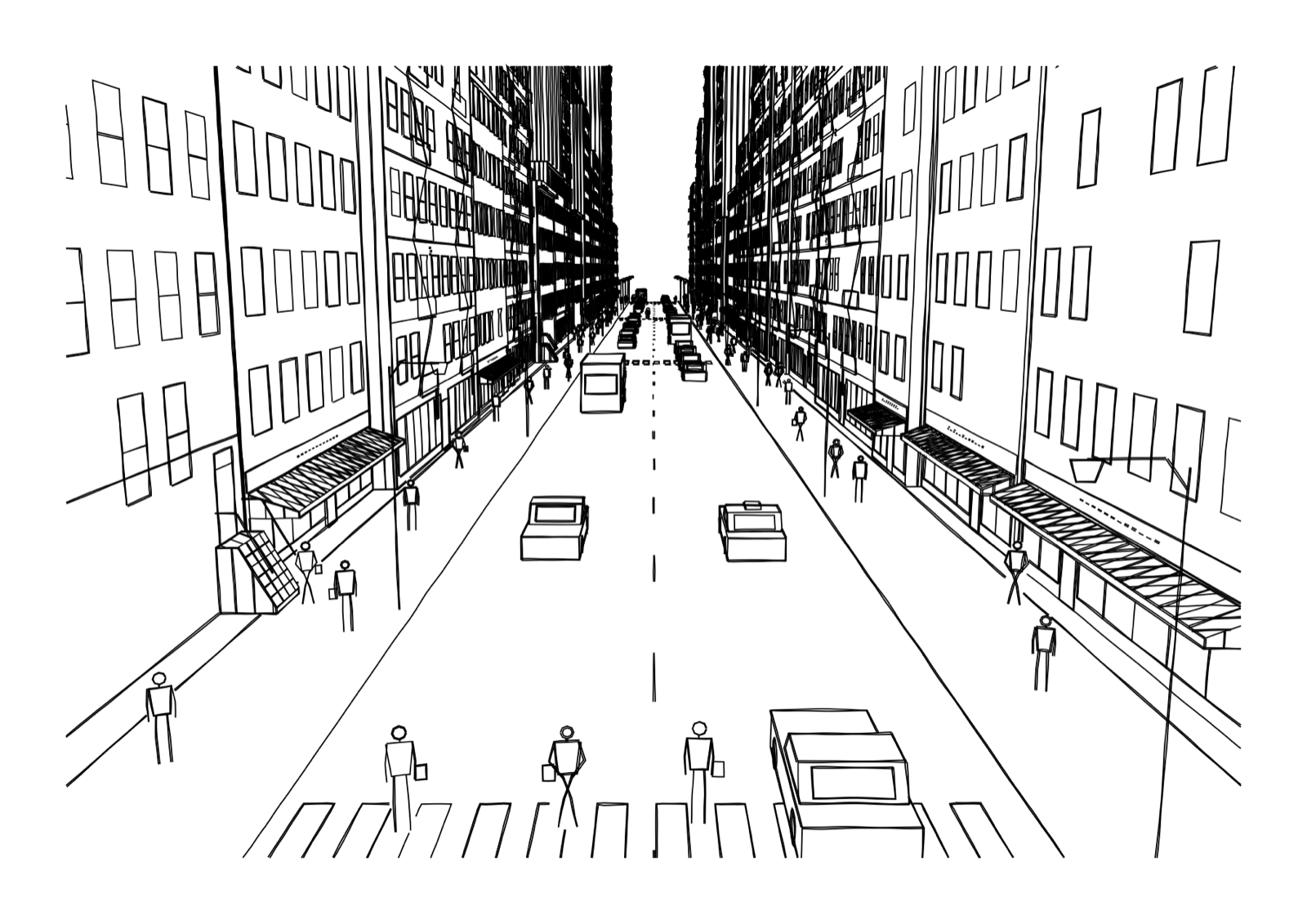
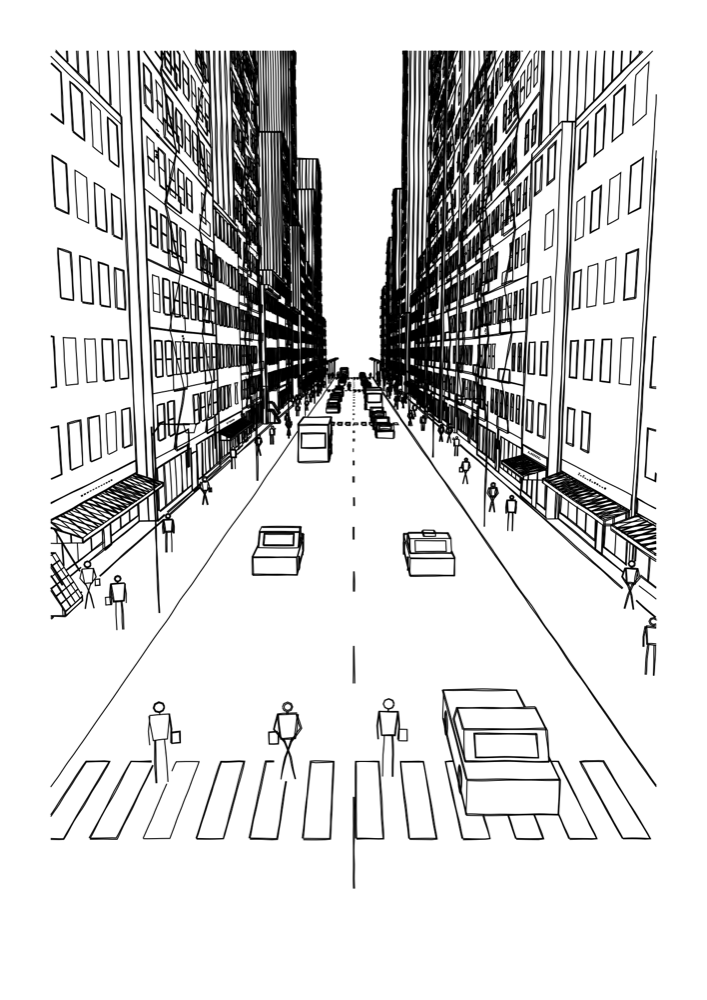
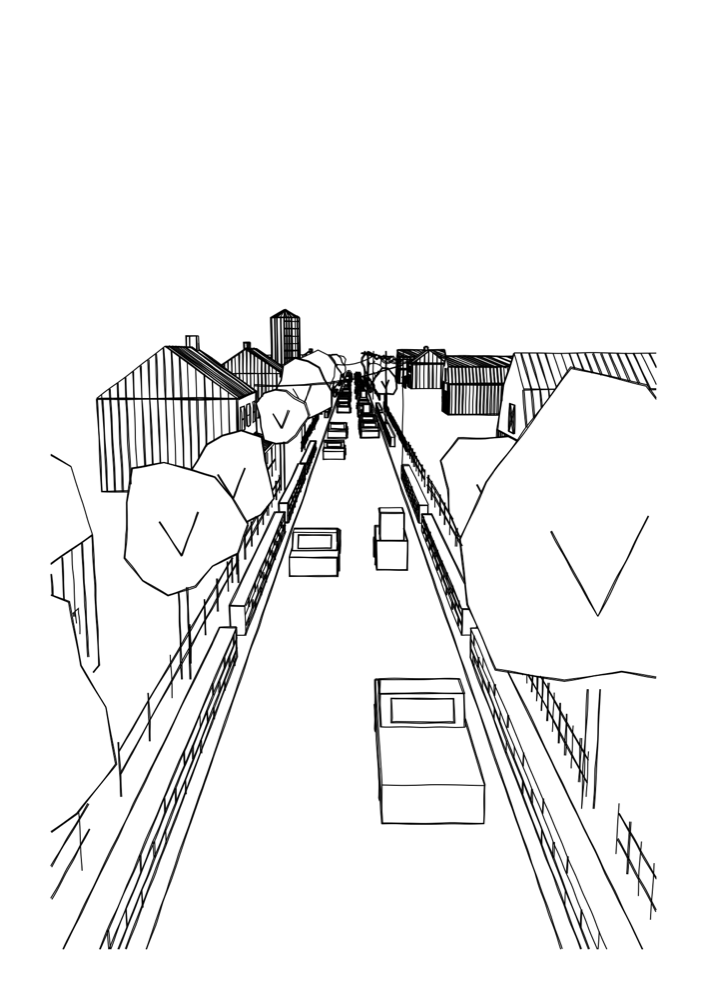
Street draws a city street the way you would sketch it, looking down the road with the buildings leaning in on both sides. You choose the place, decide what goes on it, and move the camera. Every line is a single pen stroke, ready for a real pen plotter.
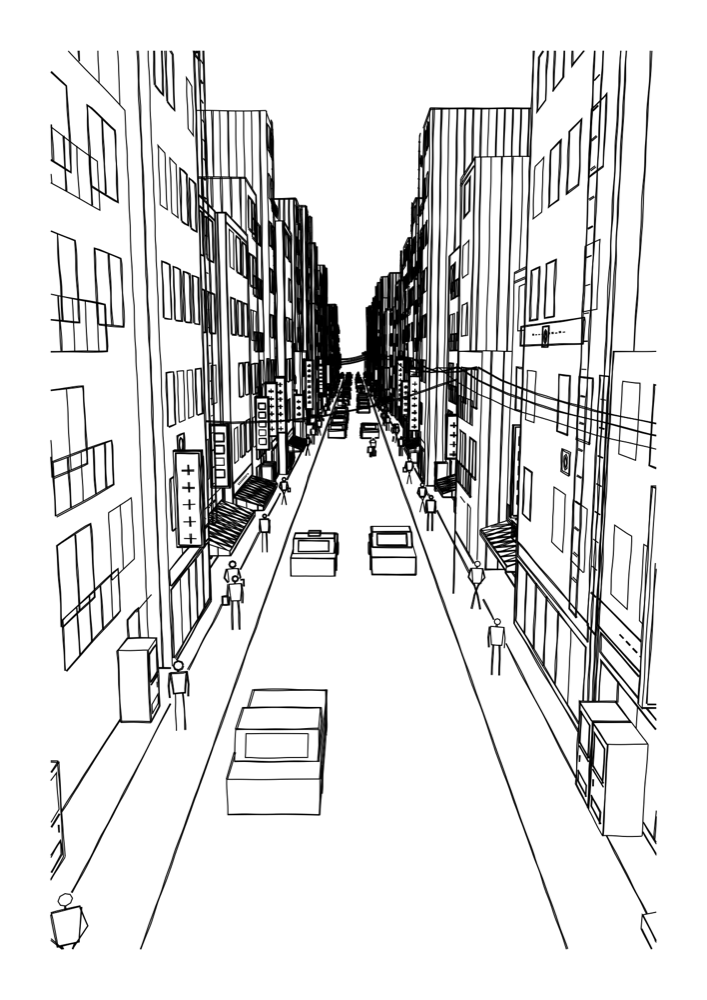
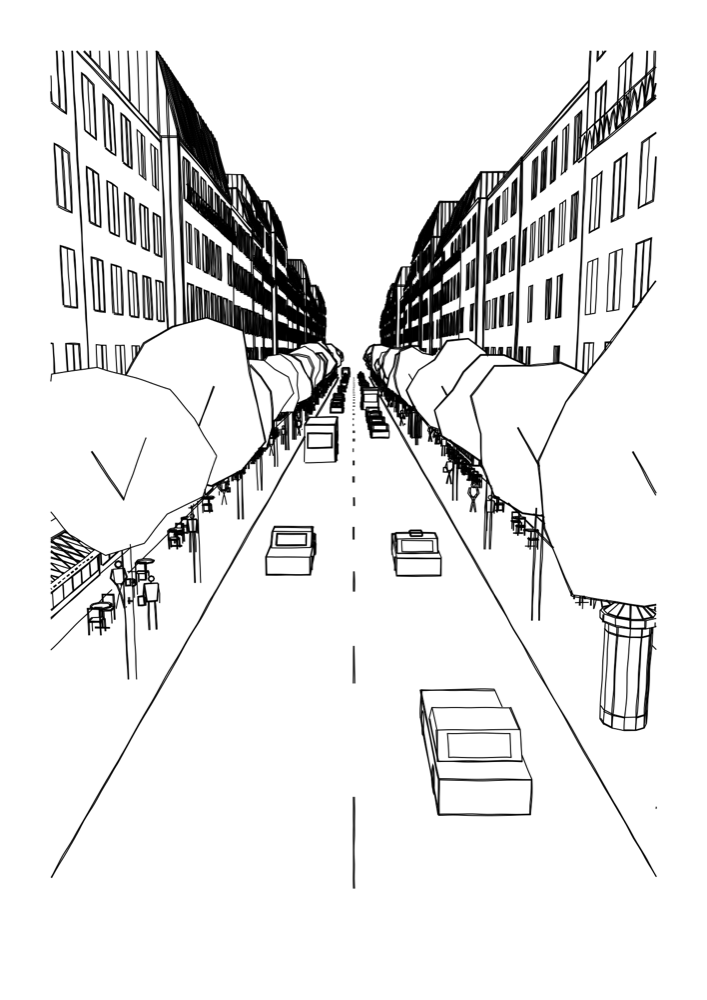
Start by picking a place. Street comes with eight: New York, Chicago, Tokyo, London, Paris, Rome, a small town and a country lane. Each has its own kind of buildings, roads and trees.
Then make it yours. Switch building types and street touches on or off: windows, cars, people, street lamps and more. Add an optional landmark far down the street. Move the camera anywhere from street level up to the rooftops, and the whole street redraws from there.
The result is plotter-ready SVG at the right physical size for your machine, with every line drawn as one continuous pen stroke. The same piece can also be saved as a wallpaper.
How long will it take to plot?
Streets are detailed drawings. In our estimates, a default street takes roughly 20 to 60 minutes on an A4 iDraw-class plotter. Denser settings take longer. For a quicker plot, turn down the windows, the people and the double stroke.
The recipe
Enter these settings and the same drawing comes back, line for line.
- Generator
- Street
- Place
- New York
- Page
- A4, landscape
- Pens
- Black Fineliner
Other settings are at their defaults.
Search Forgeplot on the App Store.